 DVDneXtCOPY Blu-ray Ripper
Blu-ray vs 4K UHD: Differences and Is 4K Worth the Upgrade?

Summary: Standard Blu-ray is a 1080p physical disc format, while 4K Ultra HD Blu-ray is a separate format designed for up to 3840×2160 video, HDR, and higher-capacity discs. A UHD edition has the higher technical ceiling, but it is worth replacing a Blu-ray only when the specific 4K transfer, HDR presentation, soundtrack, and your TV/player setup create a meaningful improvement. 4K streaming is a separate delivery method and should not be confused with Ultra HD Blu-ray.
Table of Contents
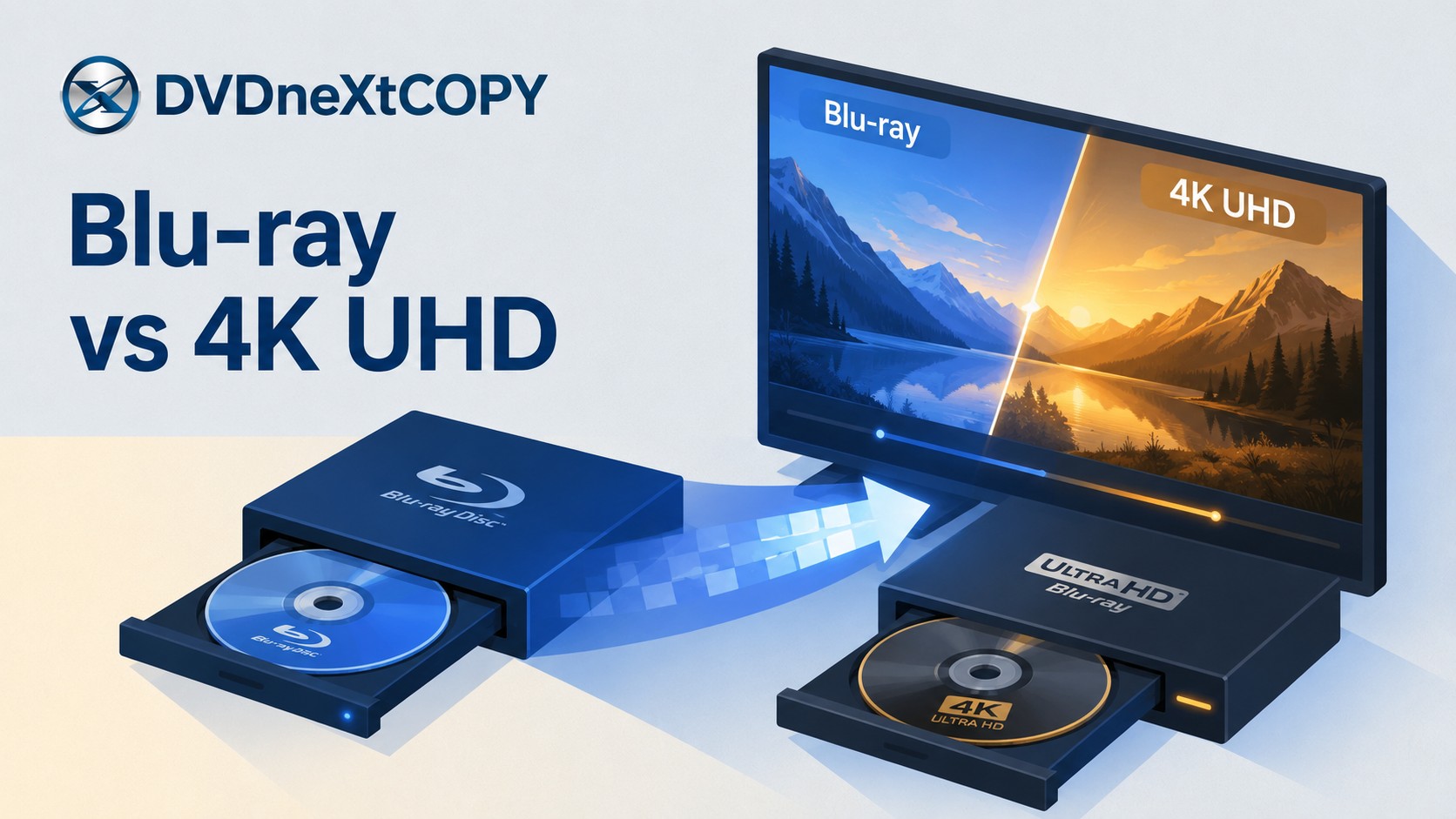
Standard Blu-ray and 4K Ultra HD Blu-ray are both physical disc formats, but they are not the same thing. A regular Blu-ray movie is normally Full HD 1080p, while Ultra HD Blu-ray is a separate format designed for up to 3840×2160 video, HDR, and higher-capacity discs.
The 4K UHD format has the higher technical ceiling, but that does not make every UHD edition worth buying again. The real upgrade depends on the specific master, HDR presentation, soundtrack, your television and player, and whether the new edition improves something you will actually notice or want to keep.
Blu-ray vs 4K UHD: Quick Comparison
The simplest Blu-ray vs 4K difference is resolution and format. Standard Blu-ray is a Full HD physical disc format built around 1920×1080 video, while 4K Ultra HD Blu-ray is a separate physical format supporting video up to 3840×2160 together with HDR and larger-capacity discs.
A UHD edition can provide more picture detail, a wider HDR presentation, and more room for the video encode, but those capabilities are only part of the decision. A strong 1080p Blu-ray transfer can still look very good on a 4K display, while the quality of an individual UHD release depends on the source master and authoring.
| Feature | Standard Blu-ray | 4K Ultra HD Blu-ray |
| Typical movie resolution | 1920×1080 Full HD | Up to 3840×2160 Ultra HD |
| HDR | Standard movie Blu-ray is generally SDR | HDR supported; the exact format depends on the disc, player, and display |
| Common disc capacity | 25GB / 50GB | 66GB / 100GB |
| Player required | Blu-ray Disc player | Ultra HD Blu-ray-compatible player |
| 4K TV required | No | Required to see the full native 4K benefit |
| Upscaling | 1080p can be upscaled for a 4K display | Native UHD disc playback |
| Main reason to choose it | Existing Full HD collection and lower hardware requirements | Higher resolution, HDR, and a better edition where the release uses those advantages well |
Is Blu-ray 4K? Standard Blu-ray vs Ultra HD Blu-ray Explained
Standard Blu-ray: 1080p Full HD
A regular Blu-ray movie is not a 4K UHD disc. Standard Blu-ray is a Full HD format normally associated with 1920×1080 movie playback and common disc capacities of 25GB and 50GB.
This distinction matters when shopping for discs and players. A package labeled simply Blu-ray normally refers to the Full HD format. A physical 4K movie release is specifically identified as 4K Ultra HD or Ultra HD Blu-ray.
A standard Blu-ray player can therefore be perfectly suitable for a 1080p collection without being capable of reading Ultra HD Blu-ray discs. Connecting that player to a 4K television does not add UHD-disc support.
4K Ultra HD Blu-ray: 2160p, HDR, and Higher-Capacity Discs
Ultra HD Blu-ray is the physical disc format designed for 4K home-video releases. It supports resolutions up to 3840×2160, HDR, wider color capabilities, and progressive frame rates up to 60 fps within the format specification.
UHD movie discs commonly use 66GB or 100GB configurations, providing more room for 2160p video, HDR data, audio tracks, and other disc content. That does not mean every movie is encoded at the format's maximum frame rate or uses every available HDR format.
Ultra HD Blu-ray also requires compatible playback hardware. A standard Blu-ray player should not be assumed to read a UHD disc simply because both belong to the wider Blu-ray family.
Blu-ray vs 4K UHD: Picture, HDR, Audio, and Disc Capacity
Resolution and Picture Detail
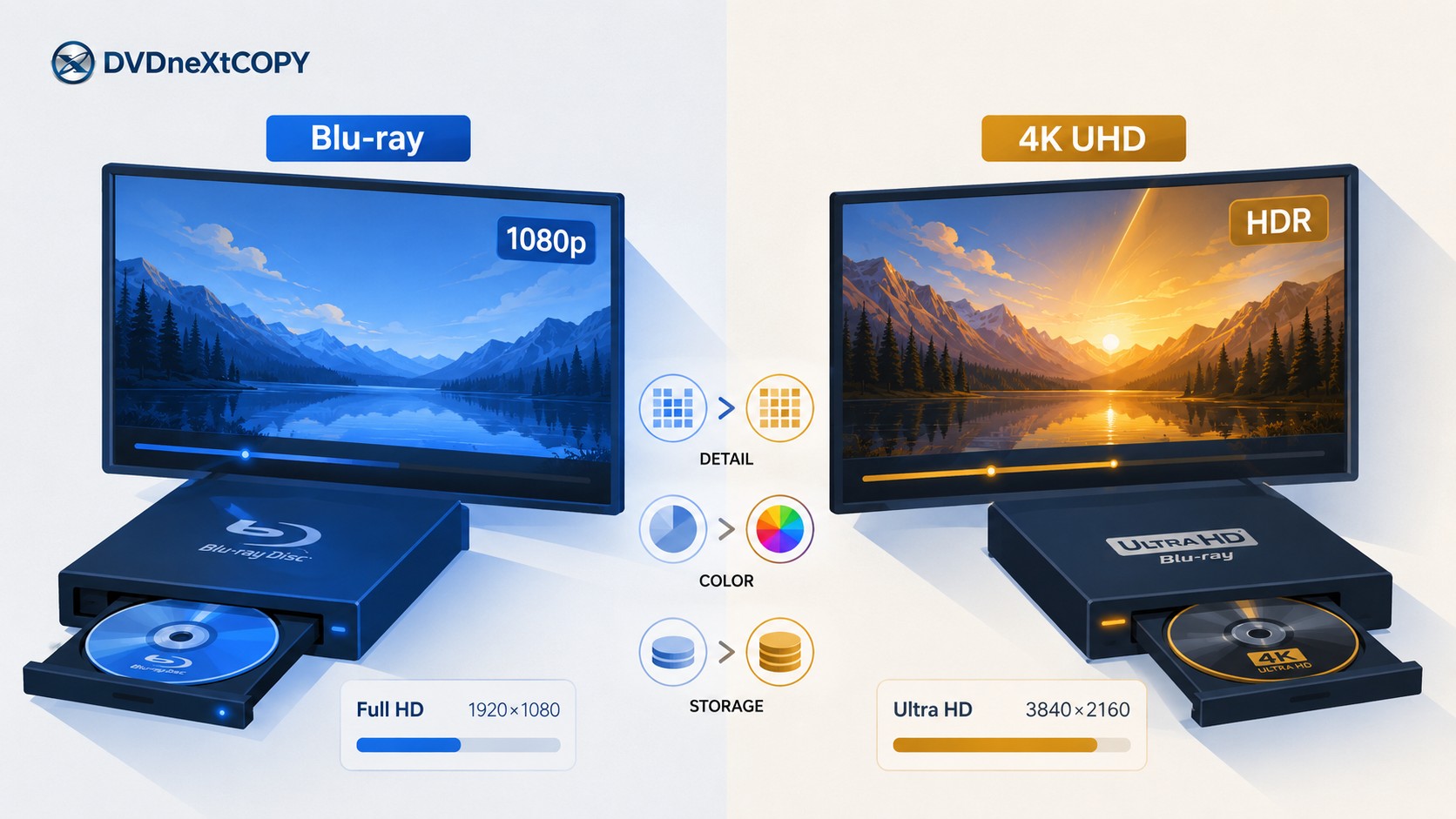
Standard Blu-ray provides 1920×1080 pixels, while Ultra HD Blu-ray can provide 3840×2160. The UHD frame contains four times as many pixels, giving a good 4K release more room to reproduce fine textures, film grain, and small background detail.
The size of that advantage depends on the source. A new film scan, restoration, digital intermediate, or different encode can influence the result as much as the format label itself. Screen size and viewing distance also affect how easily the additional resolution can be seen.
For that reason, compare the specific Blu-ray and UHD editions of a movie instead of assuming that every disc with a 4K logo must provide a dramatic upgrade.
HDR, Color, and Contrast
HDR is one of the most important advantages available to Ultra HD Blu-ray. A well-produced HDR presentation can reproduce brighter highlights, more shadow information, and a wider range of color and contrast than the standard SDR presentation found on normal movie Blu-rays.
HDR support is still release- and hardware-dependent. A UHD disc may use HDR10 or another supported HDR format, while features such as Dolby Vision require compatible content, player hardware, and display support.
This is why the visible improvement from a 4K edition is not only about sharpness. On some titles, the HDR grade and restoration can contribute more to the perceived upgrade than resolution alone.
Audio: Does 4K UHD Blu-ray Sound Better?
4K UHD Blu-ray does not automatically mean better audio. Both standard Blu-ray and Ultra HD Blu-ray can carry high-quality lossless and immersive soundtracks, including formats such as Dolby TrueHD, DTS-HD Master Audio, Dolby Atmos, and DTS:X when the specific release includes them.
A studio may use the same soundtrack on both editions, add a newer mix to the UHD release, or include different language and commentary tracks. If audio matters to you, compare the soundtrack specifications of the actual editions instead of assuming that the 4K disc has the better mix.
Disc Capacity and Video Compression
Standard Blu-ray commonly uses 25GB and 50GB discs. Ultra HD Blu-ray expands the movie-disc capacity to 66GB and 100GB configurations and uses modern compression such as HEVC for UHD video.
That additional capacity helps accommodate 2160p video, HDR information, soundtracks, and other content. It gives the publisher more encoding headroom, but it does not guarantee that every 100GB UHD disc will look better than every smaller disc.
Capacity tells you how much room is available. The quality of the master, encode, grading, and authoring determines how well that room is used.
Does Regular Blu-ray Look Good on a 4K TV?
Yes. Buying a 4K television does not make a standard Blu-ray collection obsolete. A regular Blu-ray remains a 1080p source, and the player or television can scale that image to fit the 3840×2160 pixel grid of a 4K display.
A good Blu-ray transfer can still look clean and detailed on a modern 4K television, especially when the television or player has competent scaling. The important distinction is that the displayed resolution and the source resolution are not the same thing.
What 4K Upscaling Actually Does
Upscaling takes the 1920×1080 image from the standard Blu-ray and generates a 3840×2160 output for the display. The processor estimates the additional pixels needed to fill the larger pixel grid.
Upscaling does not turn a standard Blu-ray into a native Ultra HD Blu-ray. It cannot restore source detail that was never present in the 1080p master. A player advertising both 4K upscaling and Ultra HD Blu-ray playback is therefore describing two different functions.
The same distinction applies to software that creates a 2160p output from a 1080p source. Increasing the output resolution does not make the original material equivalent to a native UHD master.
Do You Need a 4K Blu-ray Player?
You need an Ultra HD Blu-ray-compatible player to read commercial 4K UHD Blu-ray discs. A standard 1080p Blu-ray player is not enough simply because it connects to a 4K television.
Many UHD players are also backward-compatible with ordinary Blu-rays and DVDs. That means upgrading the player does not necessarily require replacing the discs you already own. Check the supported-disc list of the specific player before buying.
For full 4K UHD output, the connection also matters. The player, television, HDMI input, and cable all need to support the required 4K signal; model-specific UHD players may call for a Premium High Speed HDMI cable or another cable rated for the required bandwidth.
Is 4K Better Than Blu-ray—and Is It Worth Upgrading?
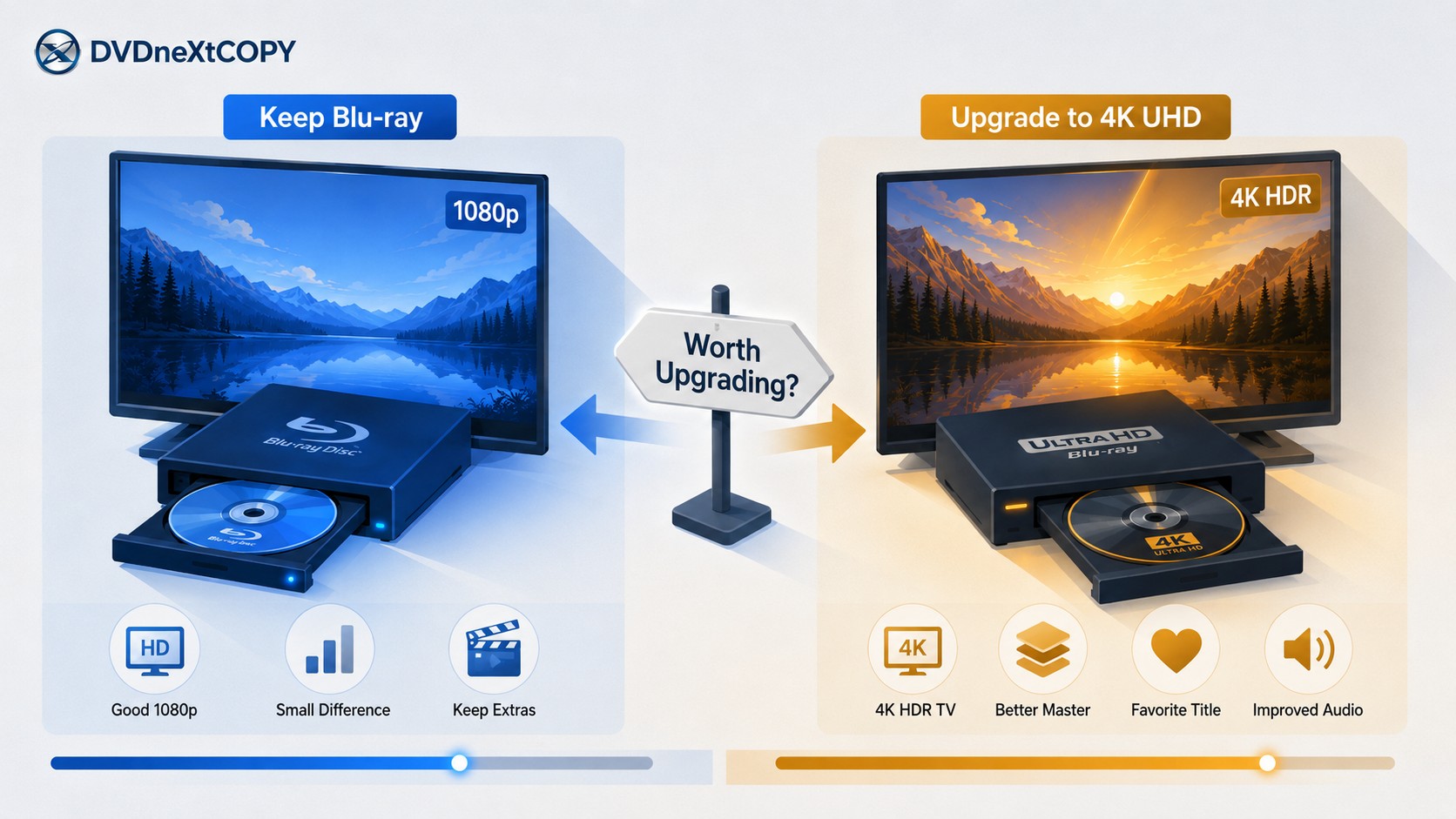
Ultra HD Blu-ray has the stronger format specification: higher resolution, HDR capability, larger discs, and additional video headroom. But the useful purchase question is whether the specific UHD edition improves something that matters on your setup.
Replacing every standard Blu-ray simply because a UHD version exists can become expensive without producing the same improvement from title to title. Compare the edition, your display, and what you actually want to preserve before replacing the disc.
Upgrade to 4K UHD When the Release and Setup Justify It
A UHD edition makes more sense when you already have a compatible UHD player and 4K display, particularly an HDR-capable television or projector that can reproduce the additional range available on the disc.
The upgrade becomes easier to justify when the UHD release also uses a better restoration or master, has a worthwhile HDR grade, includes a soundtrack you want, or improves another edition-specific feature. A larger display or closer viewing distance can also make the resolution difference easier to see.
Favorite films are usually more sensible upgrade targets than replacing an entire shelf at once. Compare the editions title by title and spend on the releases where the new transfer, HDR presentation, audio, or packaging actually adds something you value.
Keep the Standard Blu-ray When the Upgrade Is Small
A good 1080p Blu-ray can remain a strong viewing copy on a 4K television. If the existing transfer already looks good on your display and the UHD edition offers only a modest change, keeping the disc can be the more sensible choice.
Cost is only one consideration. Commentary tracks, alternate cuts, subtitles, bonus discs, and packaging can differ between editions. A newer UHD release is not automatically the better collectible if it drops material that matters to you.
Before replacing a disc, compare the transfer, HDR grade, soundtrack, extras, and hardware requirements rather than using resolution as the only criterion.
4K Blu-ray vs 4K Streaming vs Standard Blu-ray
4K streaming and 4K Ultra HD Blu-ray both deliver UHD content, but they are different delivery methods. A UHD Blu-ray is a physical disc read by compatible hardware; a 4K stream is delivered over the internet by a service and depends on the title, subscription, app, device, and network connection.
Keeping the two separate also fixes a common comparison mistake: the 66GB and 100GB capacities of UHD Blu-ray are disc specifications, not the storage size of a 4K stream.
| Feature | Standard Blu-ray | 4K Streaming | 4K UHD Blu-ray |
| Resolution | Up to 1080p | Up to 4K when supported by the service, title, and device | Up to 3840×2160 |
| Physical disc | Yes | No | Yes |
| Internet required for normal viewing | No | Yes | No |
| HDR | Standard movie Blu-ray is generally SDR | Depends on the service, title, device, and plan | Supported by the UHD format; exact HDR format depends on the release and hardware |
| Availability | Disc remains in your collection | Service catalogs and availability can change | Disc remains in your collection |
| Main reason to choose it | Existing Full HD library | Convenient access without handling discs | Physical 4K/HDR release |
A streaming provider may publish its own recommended internet speed for 4K playback, but that recommendation belongs to the service rather than to the 3840×2160 resolution itself. Streaming requirements can vary by provider, app, device, region, and compression method.
Managing a Blu-ray Collection with DVDneXtCOPY
A disc-format comparison and a backup decision answer different questions. Before saving anything, decide whether you want the complete disc structure or only selected movie titles, audio tracks, and subtitles for file-based playback.
The DVDneXtCOPY functions below are documented for standard Blu-ray sources. They should not be treated as proof of commercial Ultra HD Blu-ray support without separately verifying the UHD drive, firmware, and source requirements for that job.
Preserve Blu-ray Structure with DVDneXtCOPY Blu-ray Copy
DVDneXtCOPY Blu-ray Copy can load a Blu-ray source and save the result to a blank Blu-ray disc, ISO image, or Blu-ray folder. Its current Copy module provides several modes for keeping the full disc, selecting the main movie, customizing titles and chapters, or combining selected content, with audio and subtitle controls available where the mode allows them.
Save Selected Blu-ray Titles with DVDneXtCOPY Blu-ray Ripper
DVDneXtCOPY Blu-ray Ripper is a Windows option for loading a standard Blu-ray disc, ISO image, or folder and selecting the title, audio tracks, and subtitles to save as a digital file. For MKV work, you can choose a passthrough-style output when keeping the existing encoded streams matters or an encoded profile when you need a different codec or smaller file.
Use disc material you own or are authorized to process, subject to applicable local law.
FAQs
Ultra HD Blu-ray movie discs are region-free under the UHD Blu-ray format, while standard Blu-ray movie discs may use Regions A, B, or C. You still need an Ultra HD Blu-ray-compatible player to read the UHD disc.
No. Ultra HD Blu-ray supports HDR and immersive audio, but the exact formats depend on the individual release. Dolby Vision also requires compatible content, player hardware, and a compatible display, while Dolby Atmos requires the appropriate soundtrack and audio playback chain.
Follow the requirements of your player and television. For example, some 4K UHD players specify a Premium High Speed HDMI cable or a High Speed HDMI cable supporting 18 Gbps for 4K Ultra HD output, so check the player's manual rather than assuming an older cable will carry every 4K/HDR signal.
Conclusion
The key Blu-ray vs 4K distinction is straightforward: standard Blu-ray is a Full HD 1080p physical disc format, while 4K Ultra HD Blu-ray is a separate physical format that supports up to 3840×2160 video, HDR, and larger 66GB or 100GB discs. 4K streaming is a third delivery method and should not be mixed with UHD Blu-ray disc specifications.
Upgrade a favorite title when the UHD edition, HDR presentation, soundtrack, and your hardware create an improvement you will actually notice or value. Keep the standard Blu-ray when its existing transfer already looks good and the UHD release adds little that matters to you.
If you maintain both formats in a collection, decide which edition is worth keeping before deciding how to save it. Check the movie, audio tracks, subtitles, chapters, extras, and disc structure that matter, then verify the finished backup or file rather than judging it only by the output format.
 Steven VanceSep 17, 2026
How to Rip Blu-ray on Mac in 2026: 4 Workflows, 5 Methods
![How to Rip 3D Blu Ray: Pick MVC or SBS Before You Start [2026]](https://images.dvdnextcopy.com/2026/09/15/OCieIQbnp92l67jxKZzrGV_sFMToZiaa/feature_cover.jpg) Steven VanceSep 16, 2026
Steven VanceSep 16, 2026How to Rip 3D Blu Ray: Pick MVC or SBS Before You Start [2026]
 Steven VanceSep 15, 2026
Convert BDMV to MP4 on Windows or Mac: Choose the Right Method
 Luna MillerSep 15, 2026
How to Convert BDMV to MKV in 2026: Folder, Remux, or Re-Encode?
 Luna MillerSep 15, 2026
Blu-ray Authoring Software for Windows and Mac: 2026 Picks by Project
 Luna MillerSep 8, 2026
Best Free Blu-ray Copy Software in 2026: Reviews & How-to Guide