 DVDneXtCOPY DVD Ripper
DVD Capacity: DVD-5, DVD-9, DVD-10 & DVD-18 Storage Sizes

Summary: DVD-5 holds 4.7 GB (about 4.38 GiB), DVD-9 about 8.5 GB (7.92 GiB), DVD-10 9.4 GB, and DVD-18 about 17 GB. The smaller number shown by some software comes from GB/GiB unit differences, while the size of a copied or converted DVD depends on how much disc data is used and whether the video is kept, remuxed, or re-encoded.
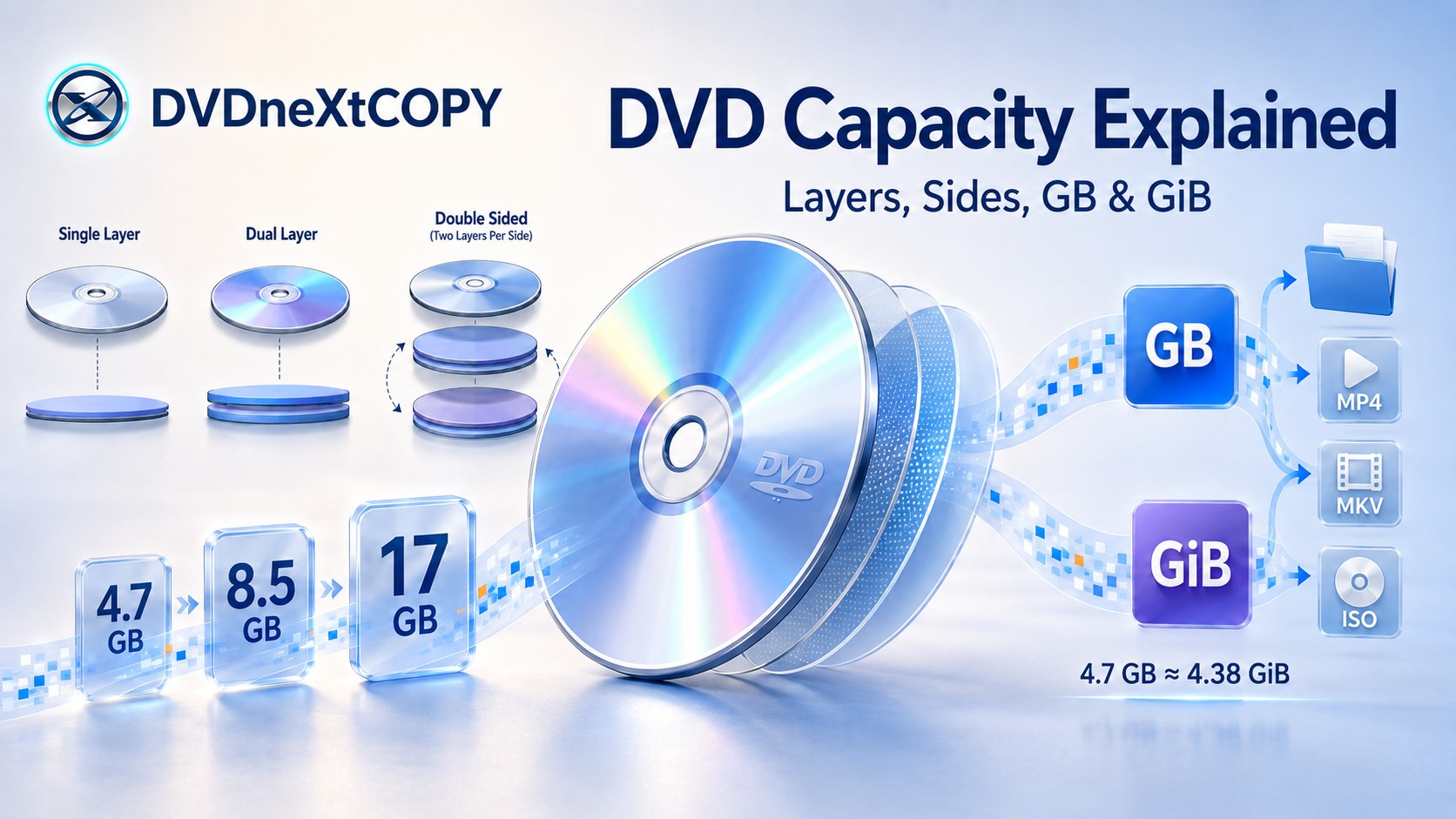
A standard single-layer DVD holds 4.7 GB, while a single-sided dual-layer DVD holds about 8.5 GB. Double-sided formats can reach 9.4 GB with one layer per side or about 17 GB with two layers per side. If a computer shows a smaller-looking number, check the unit first: 4.7 GB is about 4.38 GiB, so the bytes have not disappeared.
For storage planning, use the disc's nominal GB capacity when choosing media, GiB when comparing the size reported by software, and the actual copied or encoded file size when estimating hard-drive space.
DVD Capacity at a Glance
The amount of data a DVD can hold depends mainly on its layers and usable sides. A standard 120 mm disc can have one or two recording layers on a side, and some DVD types use both sides of the disc.
| DVD Type | Sides | Layers | Nominal Capacity | Approx. Binary Capacity |
|---|---|---|---|---|
| DVD-5 | 1 | 1 | 4.7 GB | 4.38 GiB |
| DVD-9 | 1 | 2 | 8.5 GB | 7.92 GiB |
| DVD-10 | 2 | 1 per side | 9.4 GB | 8.75 GiB |
| DVD-14 | 2 | 1 + 2 | about 13.2 GB | about 12.3 GiB |
| DVD-18 | 2 | 2 per side | about 17 GB | about 15.8 GiB |
DVD-10 combines two single-layer sides, while DVD-18 combines two dual-layer sides. DVD-14 uses one single-layer side and one dual-layer side. The additional capacity comes from extra layers or the second side rather than a larger disc diameter.
If by "DVD size" you mean the diameter, thickness, or case dimensions instead of storage space, see the separate guide to DVD and DVD case dimensions. Physical dimensions and storage capacity are different measurements.
Why Does a 4.7 GB DVD Show About 4.38 GiB?
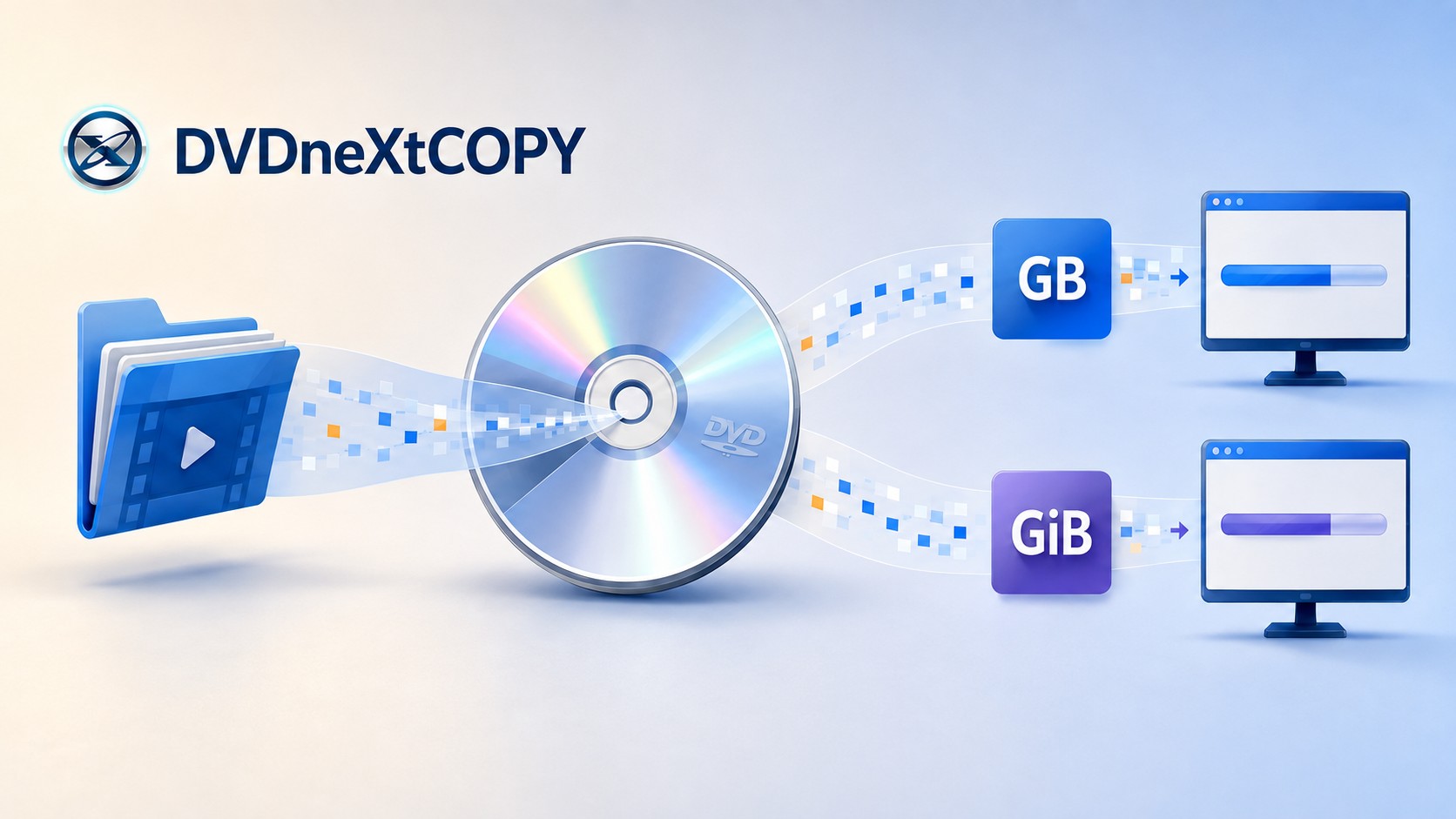
A DVD labeled 4.7 GB contains about 4.7 billion bytes. The smaller-looking number comes from expressing the same bytes with a binary unit instead of the decimal unit printed on the disc.
| Label | Definition | Example |
|---|---|---|
| GB | 1,000,000,000 bytes | 4.7 GB = 4,700,000,000 bytes |
| GiB | 1,073,741,824 bytes | 4.7 GB ≈ 4.38 GiB |
| DVD-9 example | 8.5 billion bytes | 8.5 GB ≈ 7.92 GiB |
Formatting and file-system overhead can also affect how much space is available for user files, but that is separate from the GB/GiB conversion. If a blank DVD appears smaller than its label, check the displayed unit before assuming capacity is missing.
DVD-R, DVD+R, DVD-RW, and Dual-Layer DVD Capacities
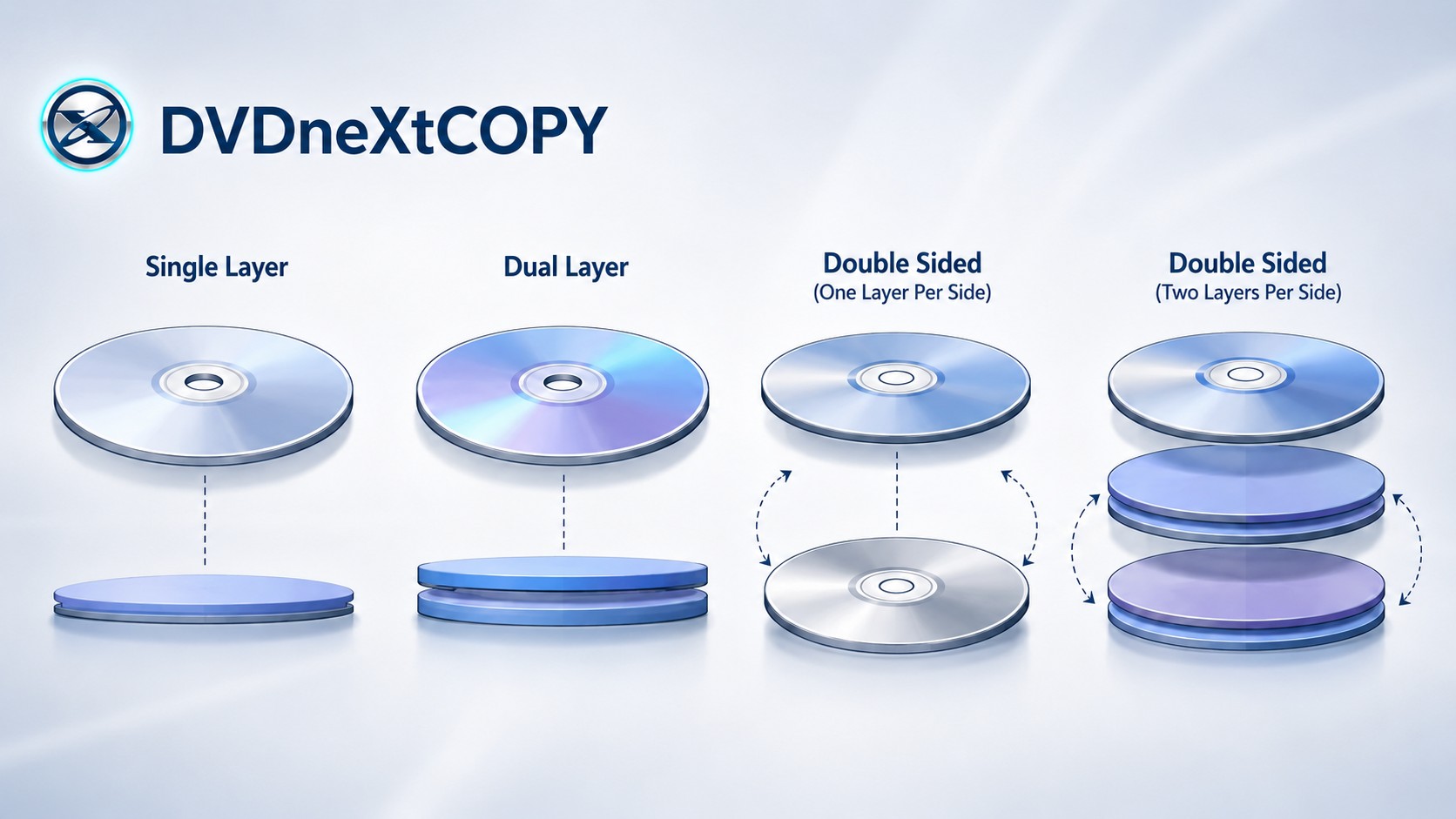
The letters in a DVD format describe how the disc records data and whether it can be rewritten. They do not change the basic 4.7 GB capacity of a standard 120 mm single-layer disc.
| DVD Format | Recording Type | 120 mm Single-Layer Capacity | Dual-Layer Version |
|---|---|---|---|
| DVD-R | Write once | 4.70 GB/side | DVD-R DL: 8.54 GB/side |
| DVD+R | Write once | 4.7 GB/side | DVD+R DL: 8.55 GB/side |
| DVD-RW | Rewritable | 4.70 GB/side | DVD-RW DL: 8.54 GB/side |
| DVD+RW | Rewritable | 4.7 GB/side | DVD+RW DL: 8.55 GB/side |
| DVD-RAM | Rewritable | 4.7 GB/side | — |
SL = Single-Layer
DL = Dual-Layer
SS = Single-Sided
DS = Double-Sided
DVD-R and DVD+R are write-once formats, including their dual-layer versions. DVD-RW and DVD+RW are the rewritable families. Dual-layer media gains capacity by adding a second recording layer on the same side.
What About Mini DVDs?
An 80 mm mini DVD has less recording area than a standard 120 mm disc. A single-layer 80 mm DVD-R holds about 1.46 GB per side, while dual-layer 80 mm DVD-R DL and DVD+R DL media hold about 2.66 GB per side.
What Happens to DVD Size When You Copy or Convert It?
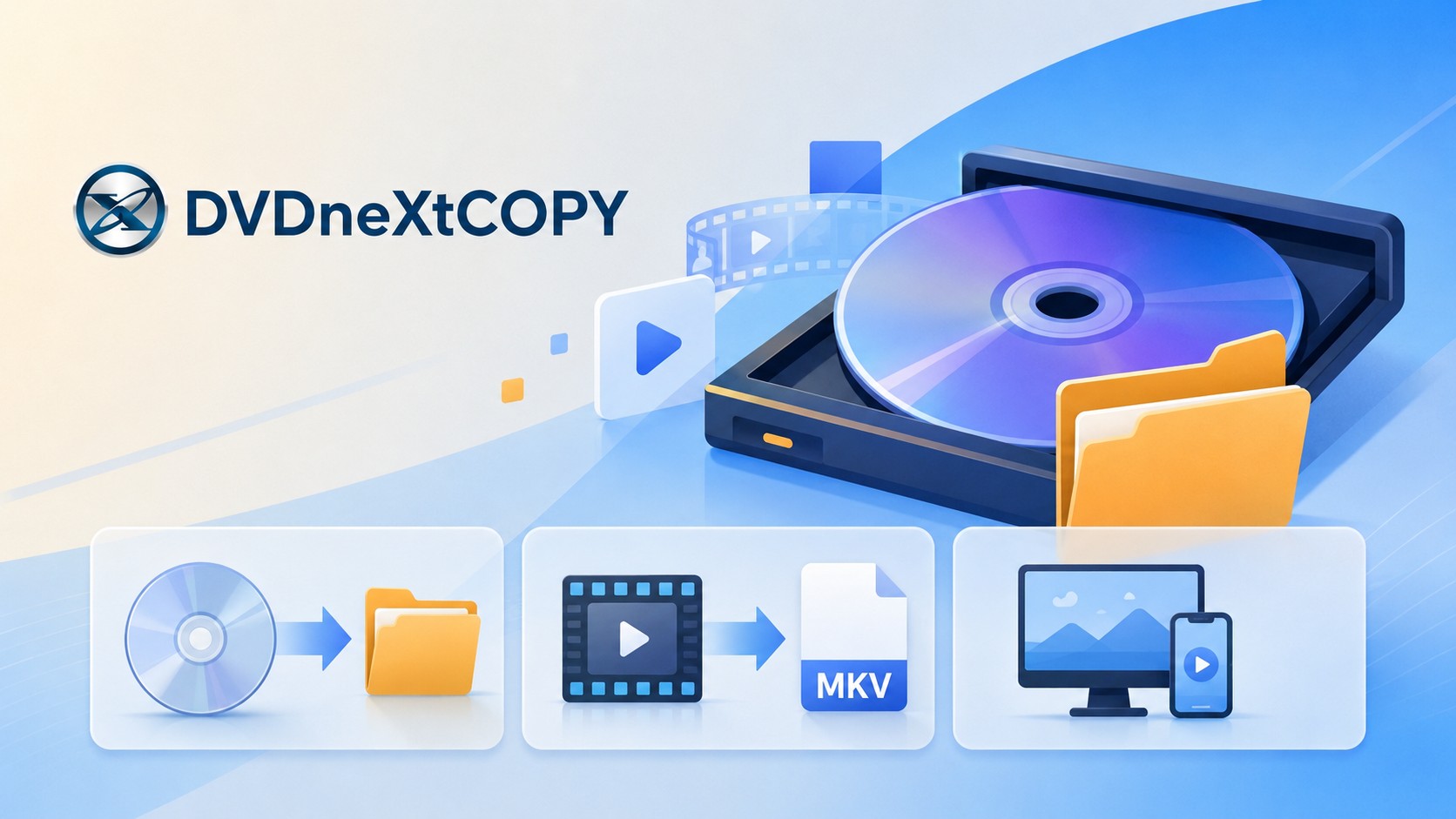
A 4.7 GB or 8.5 GB label describes the disc's maximum storage capacity, not the size of every digital copy made from it. Hard-drive space depends on how much data is recorded on the DVD, which titles and tracks you keep, and whether the video is copied, remuxed, or re-encoded.
Full-Disc Copy or ISO
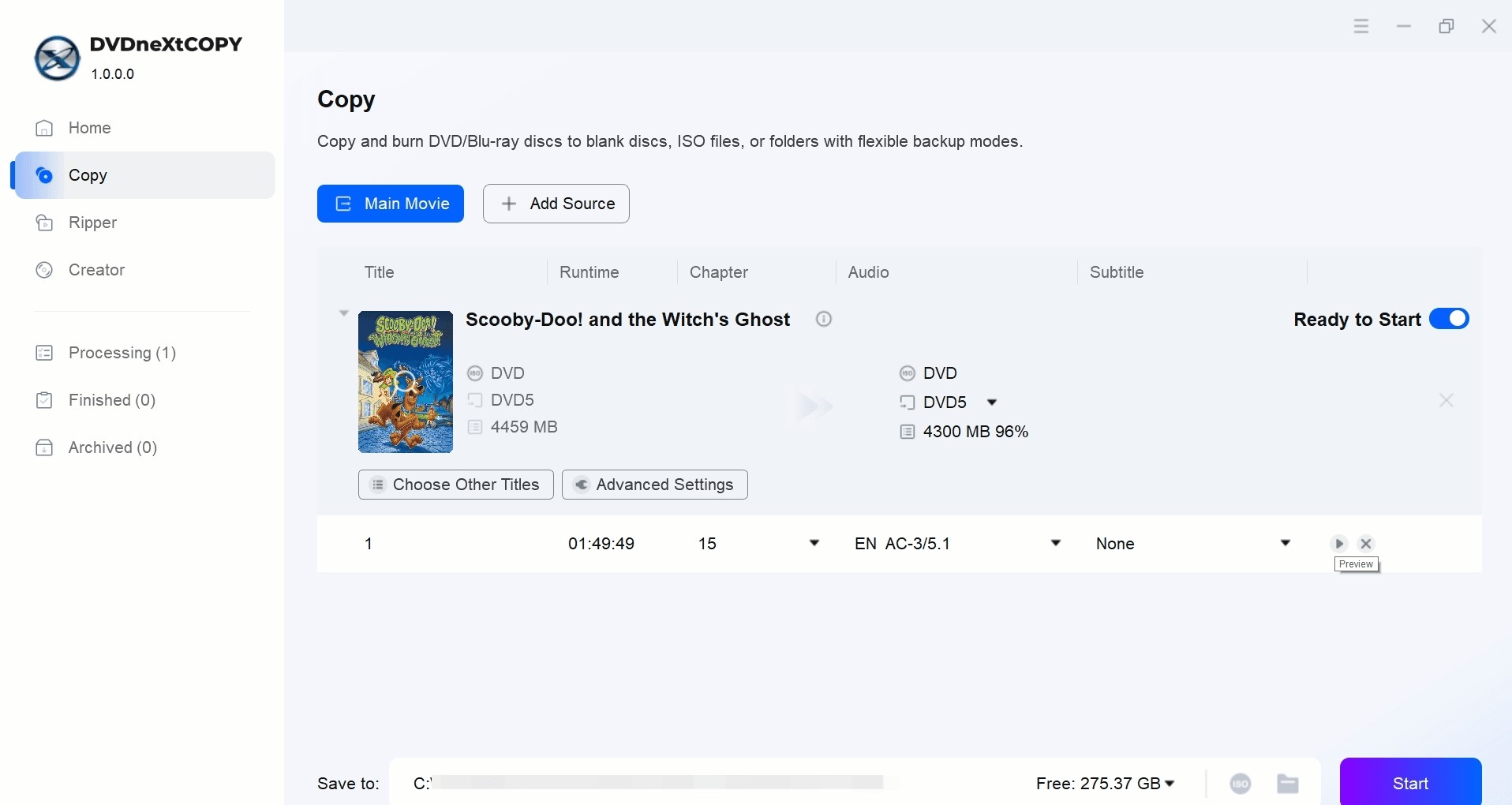
A full-disc copy keeps more of the original DVD structure than extracting only the main title. DVDneXtCOPY DVD Copy can save a DVD as an ISO image or DVD folder and provides Full Disc and Main Movie modes. A nominal 8.5 GB disc does not have to contain 8.5 GB of recorded data, so the finished copy can be smaller than the capacity printed on the disc.
MKV or Passthrough
Moving selected video, audio, and subtitle streams into another container without re-encoding the video does not create the same size reduction as compression. The new file can be smaller if menus, extras, or unwanted tracks are omitted, but the retained encoded streams remain largely unchanged.
MP4 or Re-encoded Video
Re-encoding can reduce the size of a DVD movie, but there is no fixed conversion ratio between an 8.5 GB DVD and the resulting MP4 or MKV. Runtime, video codec, bitrate, resolution, audio settings, and the titles or tracks you keep all affect the result.
DVDneXtCOPY DVD Ripper accepts a physical DVD, DVD folder, or ISO and lets you select titles, chapter ranges, audio tracks, subtitles, and output profiles such as MP4 and MKV. Advanced settings provide codec and other output controls, so you can choose a smaller encoded file when storage space matters more than keeping the existing video stream unchanged.

How Many Hours of Video Fit on a DVD?
There is no fixed hour rating for DVD-5, DVD-9, or DVD-18. A disc stores bytes, while video duration depends on the bitrate used for video and audio. Higher bitrates consume the available capacity faster, while lower bitrates fit more runtime into the same disc space.
For authored DVD-Video, runtime is therefore a result of encoding and authoring choices rather than another physical property of the DVD.
FAQs About DVD Capacity
Can a DVD Store an HD Video File?
Yes, if the DVD is used as a data disc and the file fits within the available capacity. Storing an HD video file as ordinary data is different from authoring a traditional DVD-Video disc.
Is DVD-R DL or DVD+R DL Rewritable?
No. DVD-R DL and DVD+R DL are recordable, write-once dual-layer formats. Rewritable dual-layer formats are identified separately as DVD-RW DL and DVD+RW DL.
How Much Data Can an 8 cm Mini DVD Hold?
A single-layer 80 mm DVD-R holds about 1.46 GB per side. Dual-layer 80 mm DVD-R DL and DVD+R DL media hold about 2.66 GB per side.
How Much Hard-Drive Space Do I Need to Copy a DVD?
Allow enough space for the data you intend to keep rather than relying only on the disc's nominal capacity. A full-disc ISO or folder keeps more of the original structure, while extracting one title or re-encoding the video can require less storage.
Conclusion
DVD capacity answers three different storage questions: use nominal GB when choosing a disc, GiB when comparing what software reports, and the actual copied or encoded file size when planning hard-drive space. Keeping those measurements separate makes it easier to choose the right media and estimate space for a digital copy.
 Luna MillerOct 8, 2026
How to Block Someone on TikTok: App & Website Guide
 Luna MillerSep 21, 2026
10 Free Sites to Download Subtitles for Movies & TV Shows in 2026
 Luna MillerSep 17, 2026
How to Delete a TikTok Story in 5 Steps (2026)
 Luna MillerSep 16, 2026
How to Fix Cinavia Message Code 3: Start With the Source
![WinX DVD Author Review & Tutorial: Features, How to Use, and Limits [2026]](https://c.dvdnextcopy.com/uploads/images/17884278134315877-5212fbb54f6ef7f5e20bf1765fc74e79.jpg) Luna MillerSep 3, 2026
Luna MillerSep 3, 2026WinX DVD Author Review & Tutorial: Features, How to Use, and Limits [2026]
 Luna MillerAug 31, 2026
How to Rip a DVD with HandBrake in 2026: Steps, Settings & Limitations