 DVDneXtCOPY DVD Copy
Blu-ray vs DVD: What’s the Difference and Which Is Better? [2026]

Summary: Blu-ray offers more storage and up to Full HD 1080p video, while DVD remains a standard-definition format that works with more older playback hardware. Choose Blu-ray when picture detail, soundtrack options, and disc capacity matter most; choose DVD when cost, existing equipment, or a DVD-only release matters more. Standard Blu-ray is not the same as 4K Ultra HD Blu-ray, and upscaling a DVD does not restore native Blu-ray detail.
Table of Contents
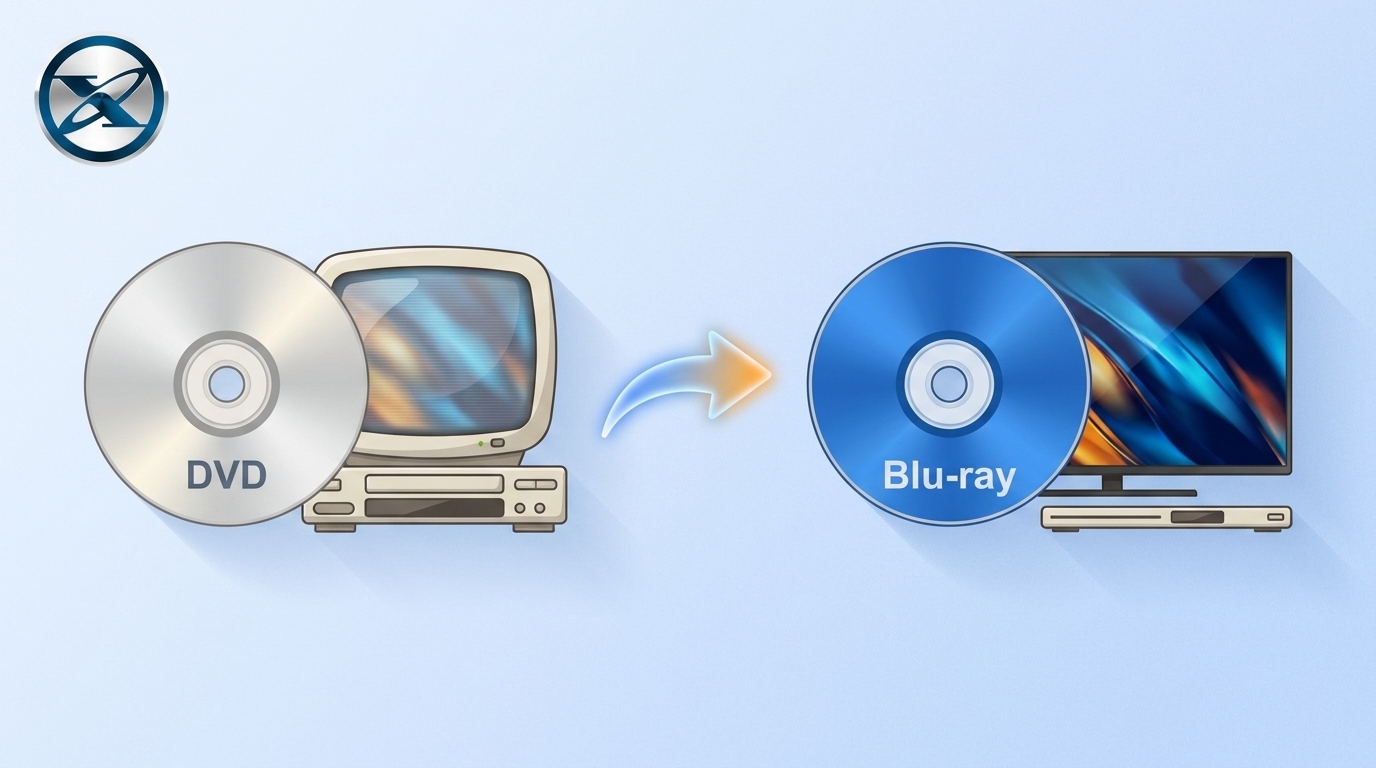
DVD and Blu-ray may look almost identical on the shelf, but they were designed for different levels of video quality and disc capacity. DVD is a standard-definition format, while standard Blu-ray can deliver Full HD 1080p video and has much more room for video, audio tracks, subtitles, and bonus material.
Blu-ray is usually the stronger choice for a modern display when the release has a worthwhile HD transfer, but DVD still makes sense for older equipment, lower-cost collecting, and titles that never received a better edition. Standard Blu-ray should also be kept separate from 4K Ultra HD Blu-ray, which is a different disc format with different playback requirements.
Blu-ray vs DVD: Quick Comparison
The biggest difference between DVD and Blu-ray is how much data each format can store and what that allows a movie release to contain. A common single-layer DVD holds about 4.7GB and a dual-layer DVD about 8.5GB, while standard Blu-ray media commonly uses 25GB and 50GB discs.
That extra Blu-ray capacity can be used for Full HD video, higher-bitrate audio, additional languages, subtitles, commentary, and extras. DVD remains useful when standard-definition playback is enough or an existing player and lower-cost collection matter more.
| Feature | DVD | Standard Blu-ray |
|---|---|---|
| Video quality | Standard definition | Up to 1080p Full HD |
| Common capacity | 4.7GB / 8.5GB | 25GB / 50GB |
| Laser | Red | Blue-violet |
| Audio capability | Supports DVD formats such as Dolby Digital and DTS | Can carry Dolby TrueHD, DTS-HD and other Blu-ray audio formats, depending on the release |
| Player needed | DVD-compatible player | Blu-ray-compatible player |
| Cross-playback | Cannot play Blu-ray discs | Many Blu-ray players also play DVDs |
| Best when | Cost and older hardware matter more | HD picture, audio options, and disc capacity matter more |
DVD vs Blu-ray: Picture, Sound, and Storage Differences
Video Resolution and Picture Quality
DVD-Video is a standard-definition format. Depending on the television system used by the disc, DVD-Video commonly uses 720×480 or 720×576 video. You can read more about those format differences in our guide to DVD resolution.
Standard Blu-ray moves movie playback into the Full HD range, up to 1920×1080. The difference is generally easier to see on a larger television or projector because the HD source gives the display substantially more picture information to work with.
The source master still matters. A Blu-ray label cannot turn a poor transfer into an excellent presentation, so replacing a DVD is most worthwhile when the Blu-ray edition also has a better HD master.
Upscaling should not be confused with that source improvement. A Blu-ray player or television can enlarge standard-definition DVD output for an HD or 4K screen, but it cannot restore native HD detail that was never stored on the DVD.
Audio Quality and Supported Soundtracks
DVD can carry multichannel formats such as Dolby Digital and DTS, so a well-authored DVD is not automatically a poor audio source. The soundtrack available to you still depends on the specific edition.
Blu-ray has considerably more capacity available for audio as well as video. Releases can include higher-bitrate or lossless formats such as Dolby TrueHD and DTS-HD Master Audio, together with multiple language tracks or commentary when the publisher includes them.
The important qualification is the release itself. Not every Blu-ray contains the same soundtrack formats, so check the disc specifications when audio is one of the reasons you are considering an upgrade.
Storage Capacity: DVD-5/DVD-9 vs BD-25/BD-50
A single-layer DVD typically stores about 4.7GB, while a dual-layer DVD can store about 8.5GB. For standard Blu-ray, the clearer consumer comparison is 25GB for a single-layer disc and 50GB for a dual-layer disc.
The larger Blu-ray capacity leaves more room for higher-bitrate video, several audio tracks, subtitles, alternate versions, and bonus material without squeezing everything into the space available on a DVD.
Higher-capacity Blu-ray variants such as BDXL exist, but they are not the same thing as the normal BD-25/BD-50 movie-disc comparison. Keeping them separate avoids making an ordinary Blu-ray release sound as though it automatically contains 100GB of data.
At the optical level, Blu-ray uses a 405nm blue-violet laser and a tighter optical focus than DVD, allowing data to be packed more densely on the disc.
Blu-ray vs DVD Player Compatibility
Can a Blu-ray Player Play DVDs?
Many Blu-ray players can play DVD-Video as well as Blu-ray Disc, which makes them useful when a shelf contains both formats. A Blu-ray player can therefore replace a DVD-only player in many normal movie setups.
Recordable discs deserve a separate compatibility check. DVD-R, DVD+R, rewritable media, finalization, recording mode, and region restrictions can still affect whether a particular disc plays on a particular machine.
Can a DVD Player Play Blu-ray Discs?
No. A normal DVD player does not contain the Blu-ray optical and decoding hardware required to read a Blu-ray movie disc. The two discs may have the same physical diameter, but their recording and playback systems are different.
This is why compatibility mainly works in the other direction: Blu-ray players are often designed to support older DVDs, while DVD hardware cannot gain Blu-ray reading capability through a setting or software update.
What Happens When DVD Is Upscaled on an HD or 4K TV?
Upscaling changes the resolution sent to the display. A player or television estimates extra pixels so a standard-definition DVD can fill an HD or 4K screen more cleanly.
Good scaling can make edges and fine patterns look more controlled, but the source remains DVD resolution. It does not become a native Blu-ray master simply because the HDMI output is 1080p or 4K.
If a DVD you already own looks satisfactory on your television, there is no requirement to replace it. If you want the additional source detail of a better HD transfer, the Blu-ray edition itself must contain that higher-resolution material.
Standard Blu-ray vs 4K Ultra HD Blu-ray
Standard Blu-ray and 4K Ultra HD Blu-ray are different formats. Standard Blu-ray movie playback is associated with Full HD resolution up to 1920×1080, while Ultra HD Blu-ray is designed for 3840×2160 video and requires compatible UHD playback hardware.
This means that a player advertised only as a standard Blu-ray player should not automatically be assumed to read Ultra HD Blu-ray discs. A 4K television also does not turn an ordinary Blu-ray disc into a native UHD source.
Some UHD players can upscale standard Blu-ray and DVD output for a 4K television, but that processing is separate from playing a native Ultra HD Blu-ray. For a deeper comparison, see Blu-ray vs 4K.
DVD or Blu-ray: Which Should You Choose?
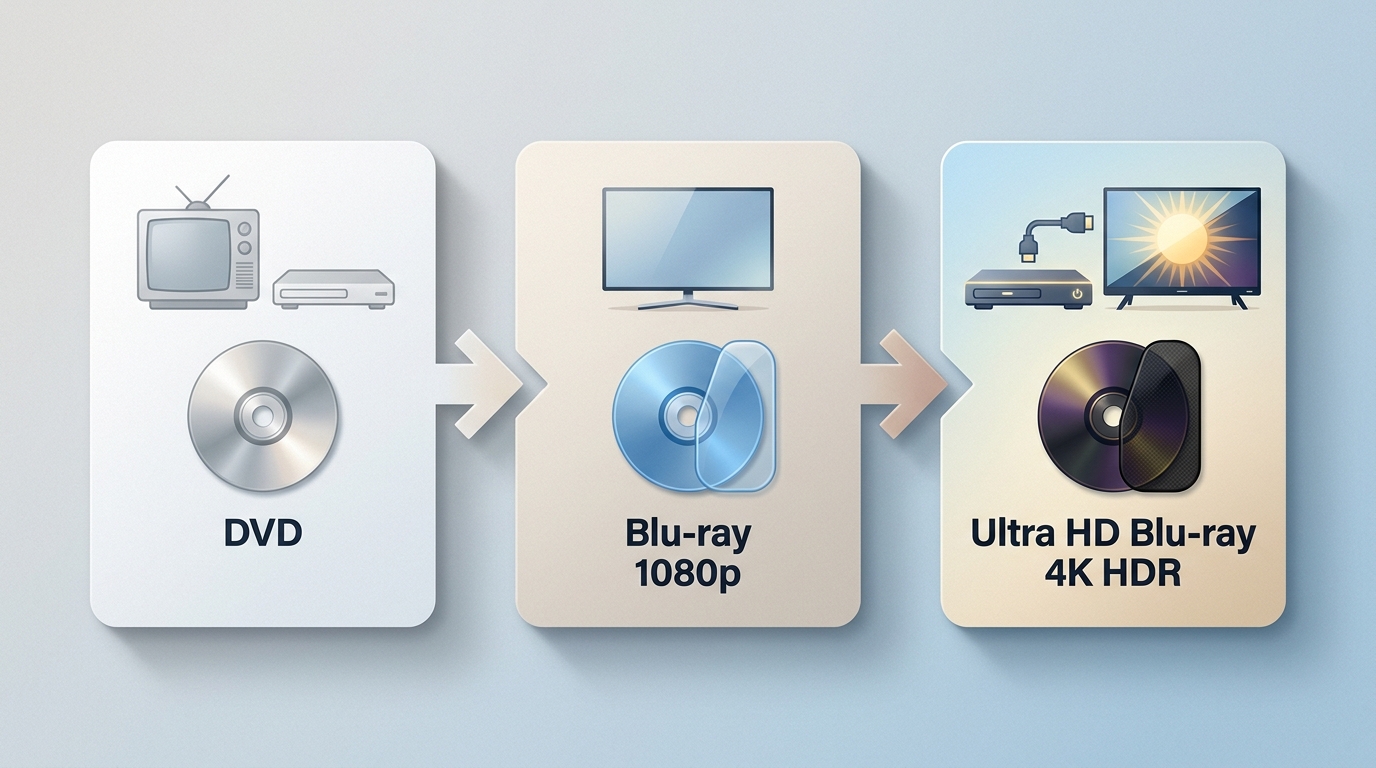
Blu-ray is not automatically worth rebuying for every title. Start with the display you use, your player, the quality of the release, the audio setup, and what is already on your shelf. Those details often matter more than the logo printed on the case.
Choose DVD When Cost and Older Player Compatibility Matter
DVD remains sensible for older televisions and players, lower-cost used collections, casual viewing, and movies or television releases that never received a worthwhile Blu-ray edition.
It can also be reasonable when you already own a large DVD collection and replacing a title would not materially change how you watch it. On a smaller screen or at a longer viewing distance, the resolution difference may be less noticeable than it is on a large television or projector.
Choose Blu-ray When Picture, Audio, and Disc Capacity Matter
Blu-ray is the stronger choice when you want a good HD transfer and use a display large enough to benefit from it. Its 25GB and 50GB capacities also give publishers more room for high-bitrate video, richer soundtrack options, subtitle tracks, commentary, and bonus features.
Compare the individual release rather than replacing a DVD solely because a Blu-ray exists. A carefully remastered Blu-ray can be a substantial upgrade; a weak transfer or an edition that adds nothing you care about may not justify buying the same movie again.
Copy Between DVD and Blu-ray with DVDneXtCOPY
Once both formats are already in a collection, copying between them is a different decision from choosing which one has better picture quality. DVD-to-Blu-ray can be useful when you want to reorganize DVD material around a Blu-ray-format destination, while Blu-ray-to-DVD prioritizes playback on DVD-compatible equipment.
Neither direction creates a quality-neutral copy automatically. Check the destination format, the titles being kept, audio and subtitle selections, and the player that will be used afterward. Use discs you own or are authorized to copy and follow the law that applies where you live.
Copy DVD to Blu-ray with DVDneXtCOPY DVD Copy
DVDneXtCOPY DVD Copy includes a dedicated DVD to Blu-ray copy mode. The Copy module can load a DVD disc, ISO image, or DVD folder and provides controls for titles, chapters, audio tracks, subtitles, and preview before copying.
The useful reason to choose this mode is destination capacity and disc organization, not picture restoration. A standard-definition DVD does not gain native Full HD detail simply because its content is placed into a Blu-ray-format project, so check the finished titles, audio, subtitles, and navigation rather than judging the result by the destination disc alone.

Copy Blu-ray to DVD with DVDneXtCOPY Blu-ray Copy
DVDneXtCOPY Blu-ray Copy provides the reverse option through its Blu-ray to DVD mode. The current Copy mode converts Blu-ray content to standard-definition DVD format, with audio and subtitle selection available before the copy starts.
This is a compatibility tradeoff rather than a way to preserve the Blu-ray presentation unchanged. A standard-definition DVD output cannot retain the source Blu-ray's native 1080p resolution, so this mode makes more sense when DVD-player compatibility matters more than keeping HD picture quality.
FAQs About Blu-ray vs DVD
Are DVD and Blu-ray discs the same physical size?
Most movie DVDs and Blu-ray Discs use the same 12 cm physical diameter. That does not make them interchangeable because Blu-ray uses a different optical system and denser data structure than DVD.
ACan a computer DVD drive read Blu-ray discs?
A DVD-only computer drive should not be expected to read Blu-ray discs. Check the drive specifications for explicit Blu-ray or BD support and use a Blu-ray-capable optical drive when you need to read BD media.
AIs Blu-ray worth buying if I only have a 1080p TV?
It can be. A 1080p television can display the Full HD output of standard Blu-ray, while DVD remains a standard-definition source even when it is upscaled. The upgrade is most worthwhile when the Blu-ray also has a better transfer, soundtrack, or extras that you value.
ADo DVD and Blu-ray use the same region codes?
No. Commercial DVDs commonly use numbered region codes, while Blu-ray Discs use Regions A, B, and C. Check both the disc and the player when buying an imported edition because compatibility in one format does not automatically confirm compatibility in the other.
AWhat should I check before replacing a DVD with the Blu-ray edition?
Check whether the Blu-ray uses a better master or remaster, then compare the audio tracks, subtitles, extras, region compatibility, and edition-specific features. If those differences do not improve what you watch or want to preserve, keeping the existing DVD may make more sense.
AConclusion
The main difference between DVD and Blu-ray is the amount of information each format can carry. DVD remains a standard-definition format with smaller disc capacity, while standard Blu-ray provides Full HD capability and considerably more room for video, soundtrack options, subtitles, and extras.
Choose Blu-ray when a better HD transfer, audio options, and larger disc capacity improve the release on the equipment you actually use. Choose DVD when lower cost, existing DVD hardware, or the availability of an older title matters more. Many Blu-ray players can cover both libraries, which makes keeping existing DVDs straightforward.
Keep standard Blu-ray separate from 4K Ultra HD Blu-ray, and keep upscaling separate from native source resolution. If you copy between DVD and Blu-ray formats, the destination disc type does not erase the limits of the source: reopen or play the finished copy and check the titles, audio, subtitles, menus, and picture quality before treating it as the replacement for the original.
 Luna MillerOct 8, 2026
How to Block Someone on TikTok: App & Website Guide
 Luna MillerSep 21, 2026
10 Free Sites to Download Subtitles for Movies & TV Shows in 2026
 Luna MillerSep 17, 2026
How to Delete a TikTok Story in 5 Steps (2026)
 Luna MillerSep 16, 2026
How to Fix Cinavia Message Code 3: Start With the Source
![WinX DVD Author Review & Tutorial: Features, How to Use, and Limits [2026]](https://c.dvdnextcopy.com/uploads/images/17884278134315877-5212fbb54f6ef7f5e20bf1765fc74e79.jpg) Luna MillerSep 3, 2026
Luna MillerSep 3, 2026WinX DVD Author Review & Tutorial: Features, How to Use, and Limits [2026]
 Luna MillerAug 31, 2026
How to Rip a DVD with HandBrake in 2026: Steps, Settings & Limitations